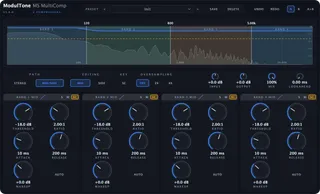
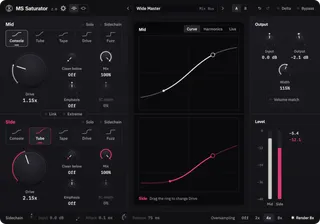
MS Punch
Mid/side transient shaper plugin for macOS and Windows
Keep the centre punchy and dry the room in the sides.
Price includes VAT. Licence key by email, straight after payment.
No iLok and no password. One online activation, then it runs offline. Full refund within 14 days, for any reason.
No audio demo for MS Punch.
On the panel
- Stereo / Mid / SideStereo shapes left and right with one linked detector. Mid-Side gives the mid and the side a detector each.
- ShapeSmooth, Snap, Bloom or Crush.
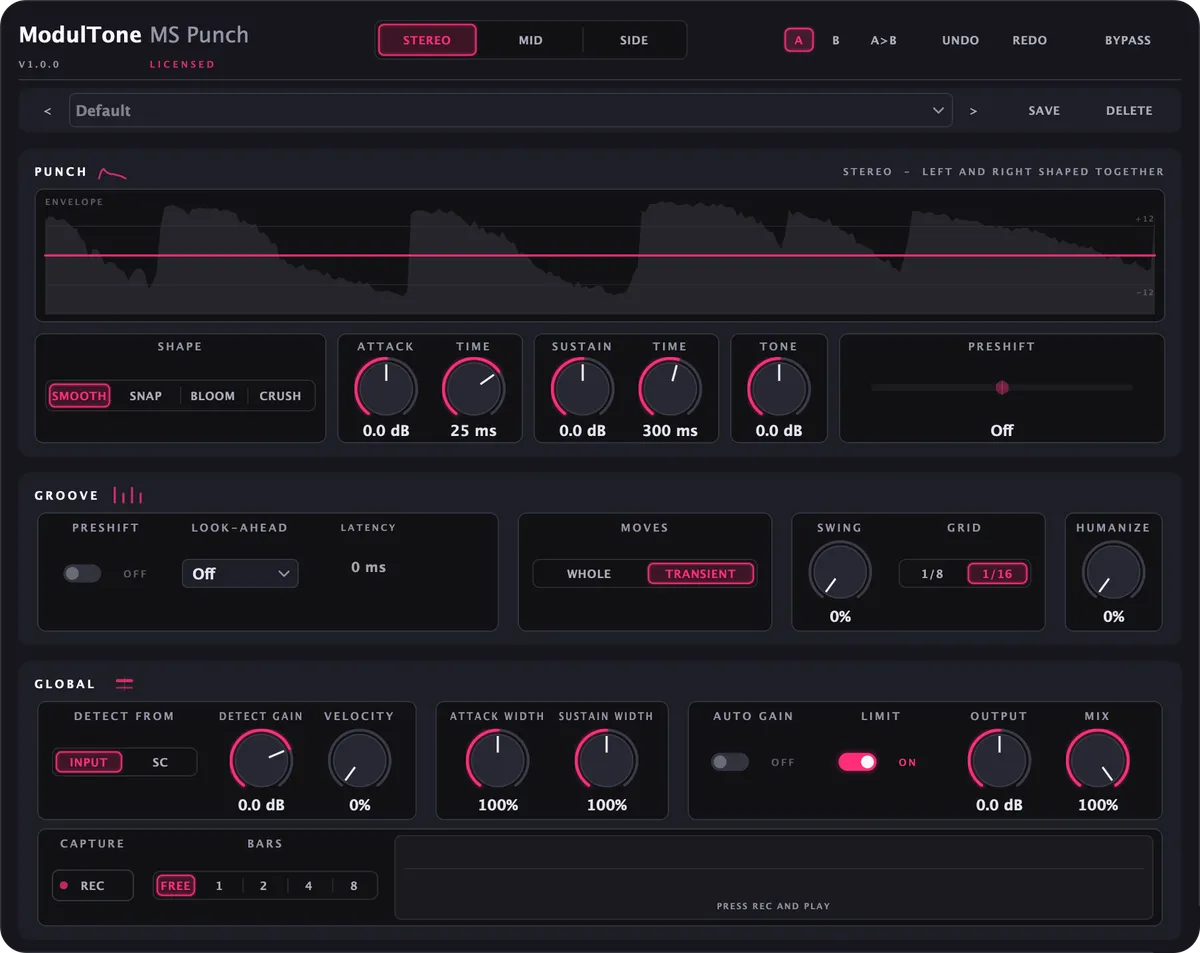
- AttackUp to 24 dB more or less on the hit, with Sustain doing the same for the tail.
- CaptureRecords the output from bar line to bar line, ready to drag into the session as audio.
A drum bus where the kick and snare need more crack and the room mics already take up too much space. In Mid-Side mode the mid gets a few dB of Attack while Sustain comes down on the side, so the centre hits harder and the room gets shorter between the hits. Left alone, it passes audio through bit for bit. Preshift and Swing move the hits in time, and Humanize nudges each one by a few milliseconds.
Shapes
Smooth
The default. The detector follows the level within half a millisecond and the gain grows evenly with the hit. A preset on Smooth starts at 25 ms Attack Time and 300 ms Sustain Time.
Snap
The fastest detector, and a curve that reaches most of its gain early, so the very front of a transient takes the boost. Presets on Snap start at 8 ms and 180 ms.
Bloom
A slower detector and a rounded curve that eases in and out, for tails that should swell, like a room or an 808. Presets on Bloom start at 60 ms and 700 ms.
Crush
Snap's timing, with the attack gain driven into a soft clipper instead of applied cleanly. The hit gets louder and denser at once.
What it does
- Stereo mode shapes left and right from one linked detector, so the image doesn't move on a hit; Mid-Side gives the mid and the side their own detector and their own settings
- Attack and Sustain up to 24 dB either way, with Attack Time from 1 to 60 ms and Sustain Time from 50 to 1000 ms
- Four shapes per lane: Smooth, Snap, Bloom and Crush
- Tone, up to 12 dB either way, acts on the transient and leaves the body alone
All 14 features
- Attack Width and Sustain Width, 0 to 200%, set the stereo width of the hit and of the tail separately
- Preshift moves a lane up to 20 ms earlier or later, as the whole signal or only its transient
- Swing delays off-beats on a 1/8 or 1/16 grid and only ever later, so it adds no latency
- Humanize draws a new level and time for every hit from its place in the song, so a loop or a bounce gets the same feel every time
- Velocity lets harder hits take more of the effect while the ghost notes underneath keep their place
- Detect from the input or from an external sidechain, per lane, with Detect Gain to set how hard the detector is hit
- Look-ahead of 1, 3, 5 or 10 ms, reported to the host as latency
- Capture records the output from bar line to bar line, ready to drag into the session as audio
- Limit on and Auto Gain off by default, plus Output and Mix for parallel shaping
- 30 factory presets across drums, groove, mix bus, bass, guitar and keys, with A/B compare and undo
Specs
- Formats
- VST3, AU
- Requirements
- macOS 11 or later (Apple Silicon & Intel), VST3 or AU host · Windows 10 or later (64-bit), VST3 host
How to use it
Changelog
1.1.09 Oct 2026
- Changed the envelope view to 2.4 seconds (was 1.1)
- Added update notifications with a one-click Update button
- Added a gear menu to turn update notifications off
- Added a daily check for withdrawn licences (offline keeps working)
- Changed: Mac activation no longer sends your DAW, macOS version or language
- Fixed: the Mac installer always installs to the plug-in folders
1.0.013 Sep 2026
- First release.